
1 Create a Zapier account
To create a Zapier account, go here. If you already have a Zapier account, you can skip this step.
2 Sign in to your Zapier account
Sign in to your Zapier account here .
3 Connect your Signinc account to Zapier
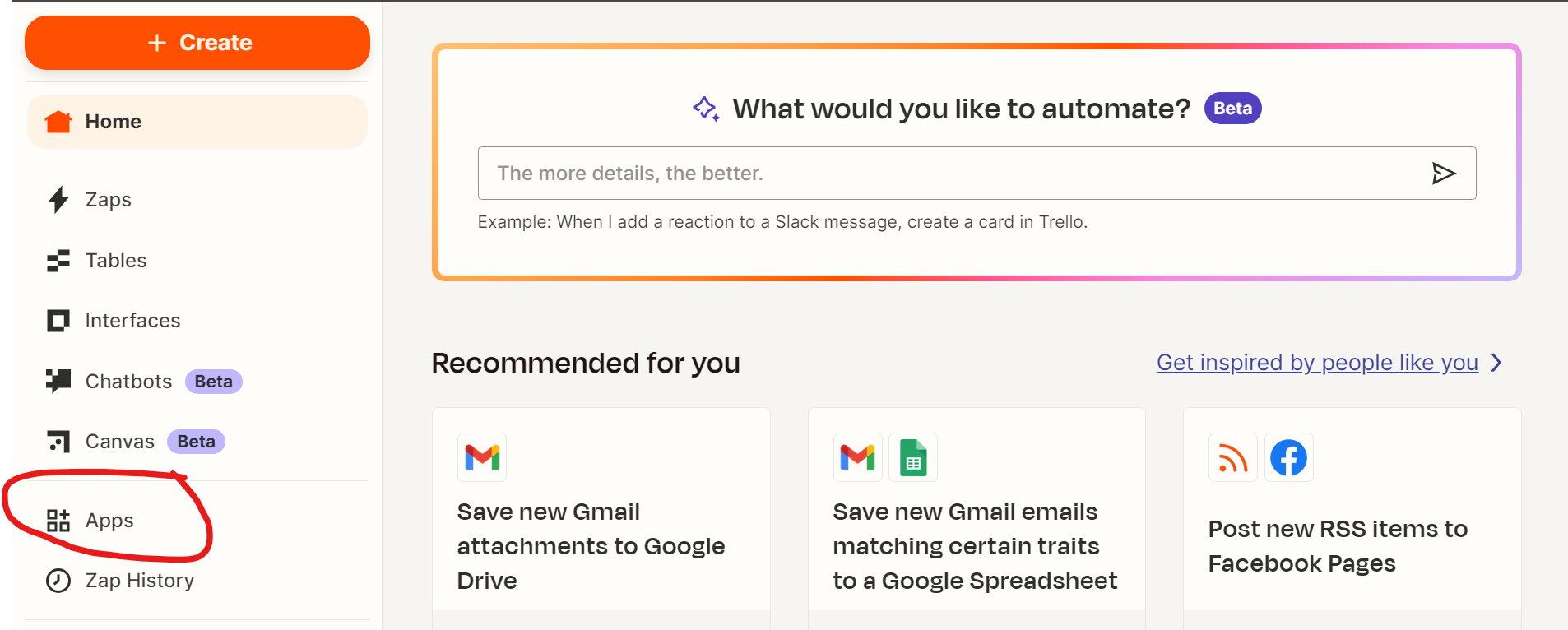
3.1 Click the "Apps" link appearing in the left menu.
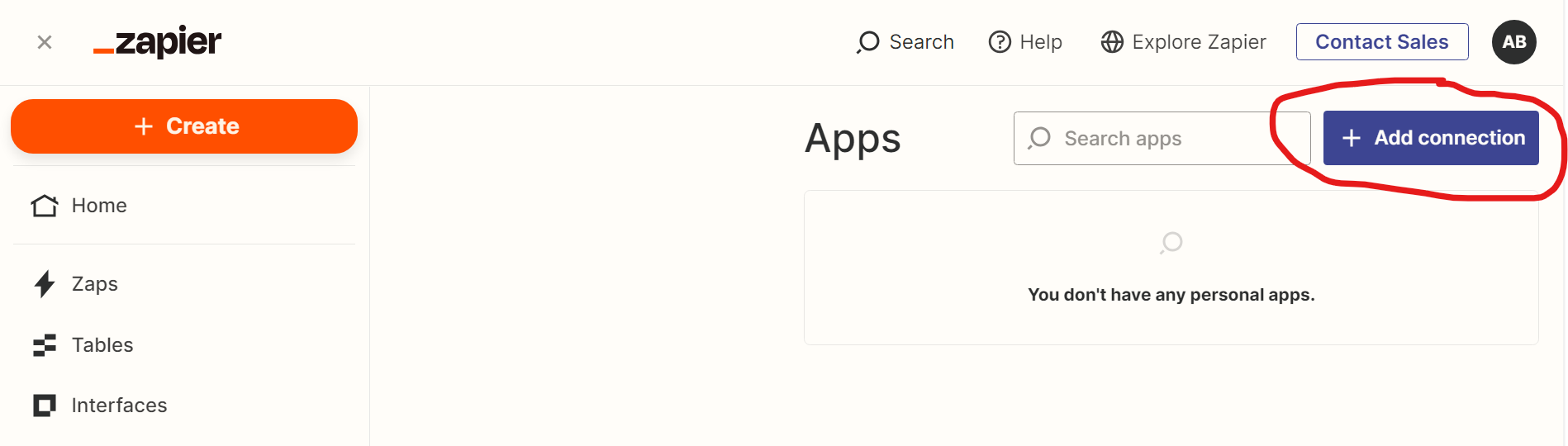
3.2 Click "+ Add Connection."
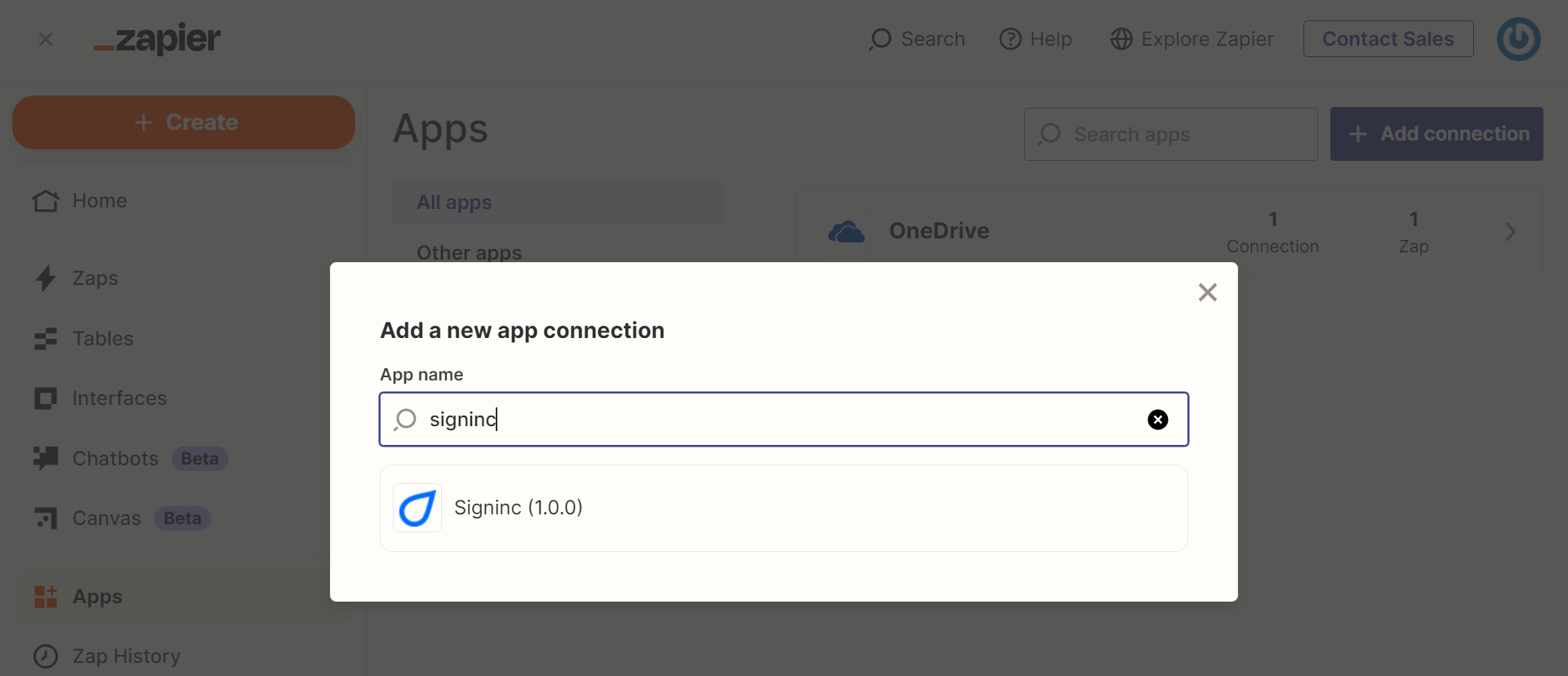
3.3 Search for and select "Signinc."
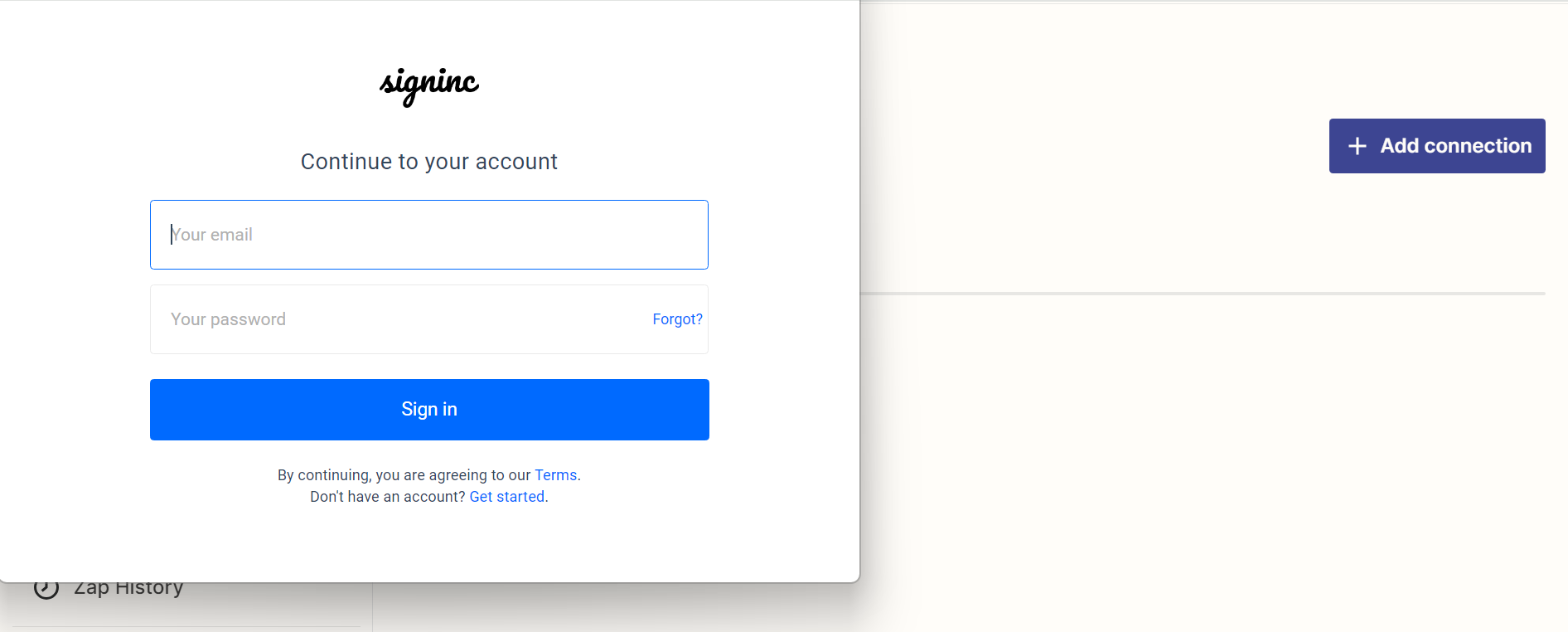
3.4 Sign in with your Signinc credentials. If you're already signed in to Signinc, then you will be taken directly to the next step automatically.
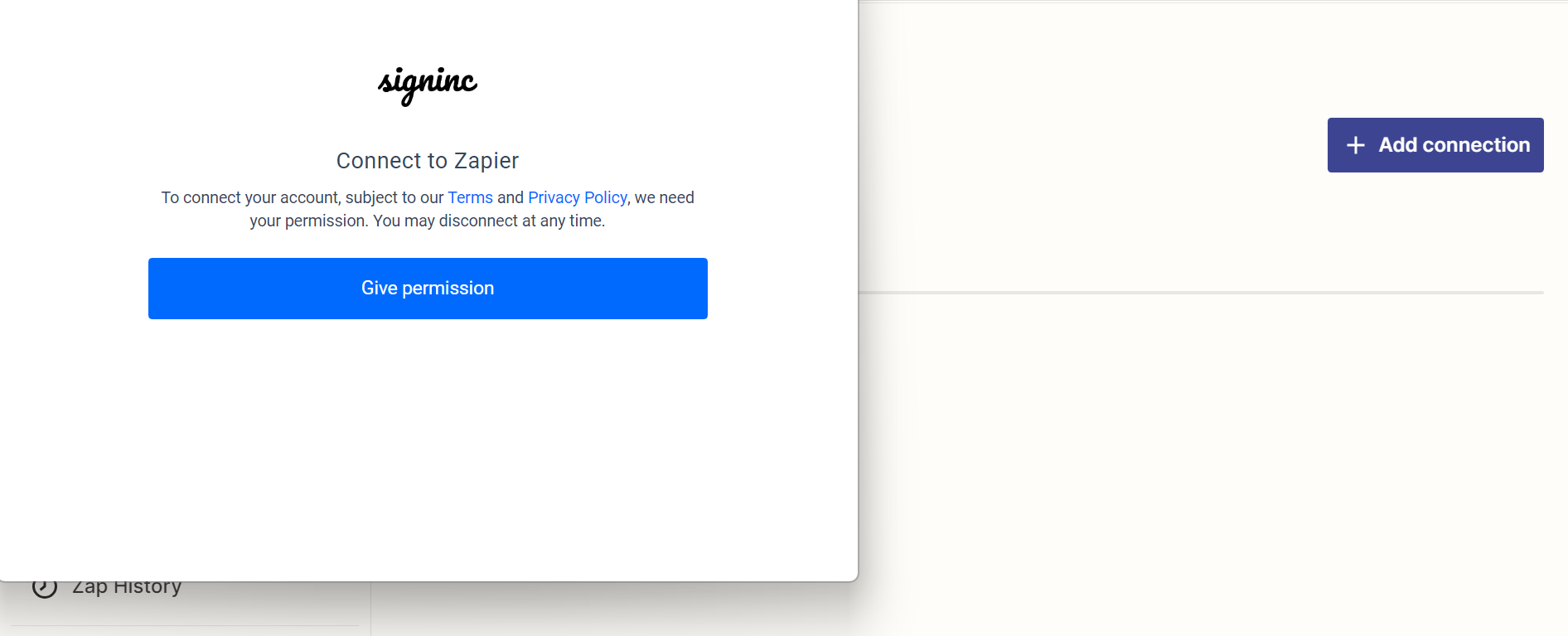
3.5 Click "give permission."
4 Create your first automation
Congrats! You're now connected and ready to create your first automation. The easiest way to do this is to use one of our existing templates. You can also create an automation from scratch following this quick start guide from Zapier.